Token Router Enterprise
Assign authorized employees and applications individual keys, model permissions, internal quotas, and expiration limits. Connect to TBuy enterprise channels or your own authorized channels.
Explore enterprise accessLOCAL INFRASTRUCTURE / ON-PREMISES
Two independent software products run on infrastructure chosen by your enterprise. The device handles access and auditing; your selected upstream performs cloud model inference.
Combined local deployment · Prototype validation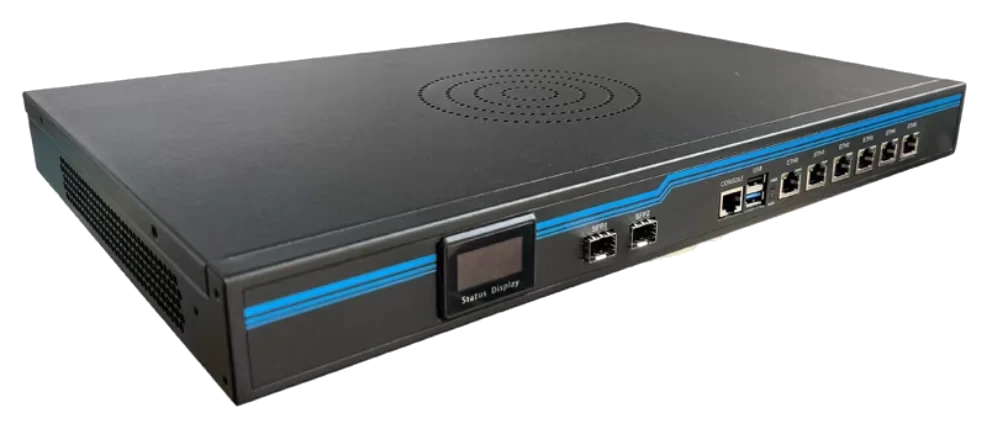 HARDWARE + SOFTWARE
Device images come from product materials and illustrate appearance only. They do not establish mass-production availability or fixed performance specifications.
01 / TWO PRODUCTS, CLEAR ROLES
Choose either product independently or deploy both on the same device. Separate services can be upgraded, restarted, backed up, and assigned resource limits independently.
Assign authorized employees and applications individual keys, model permissions, internal quotas, and expiration limits. Connect to TBuy enterprise channels or your own authorized channels.
Explore enterprise accessReceive call metadata or content within the authorized scope, encrypt it per tenant, and run basic rule checks. Viewing content requires the appropriate role and creates an access record.
Explore call auditing02 / DEPLOYMENT OPTIONS
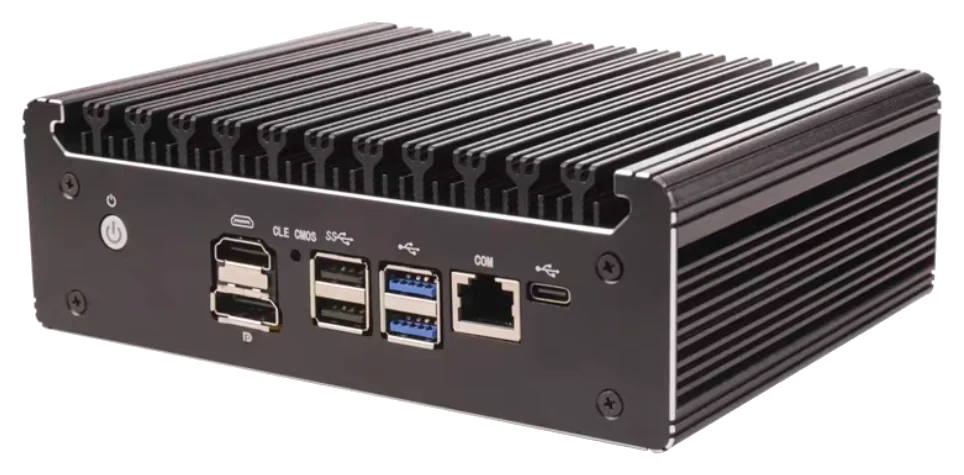
Evaluate combined access and auditing on a mini PC such as an N100. Start by validating the end-to-end workflow with authorized test data.
Current prototype: N100 / 16GB / 512GB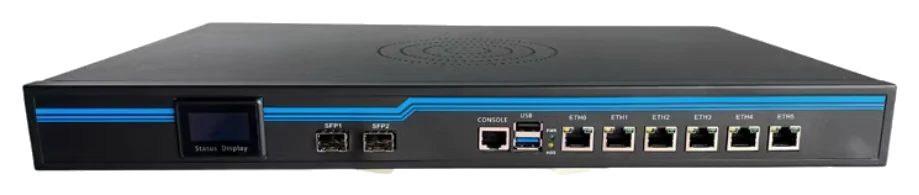
A reference for discussing form factor and rack installation in your enterprise environment. Model, port functions, and hardware configuration must be confirmed for each project.
Appearance reference only; not a supported-hardware listRun Docker services on an existing enterprise Linux server or a dedicated Linux virtual machine. Evaluate resources, networking, and operational requirements.
AI access does not require replacing your main router03 / DELIVERY CHECKLIST
A hardware model does not guarantee a user count or concurrency level. Assess suitability against a defined test scope and acceptance checklist.
List authorized clients, business applications, model services, and authorizing parties. Validate custom endpoints, protocols, streaming, and specialized capabilities individually.
Confirm peak requests, streaming connections, batch jobs, and the total budget. Application queues manage concurrency and retries; upstream bills are reconciled separately.
Decide whether to record metadata or content, how long to retain it, who may view it, and how to handle backup locations, resource isolation, and permissions.
Define domains, certificates, maintenance windows, and responsible owners. Local auditing requires manual unlocking after a restart; verify the recovery process against the acceptance checklist.
When using a cloud model, content is sent to the selected upstream. If inference must also stay on your internal network, choose an internal model upstream first. Side-channel auditing records activity and identifies issues; it does not automatically block requests before they are sent.
BEFORE DEPLOYMENT
Currently in prototype validation; not yet deployed in enterprise customer environments.
START WITH YOUR ENVIRONMENT
Begin a practical deployment assessment with your tool list, workload, and retention requirements.